

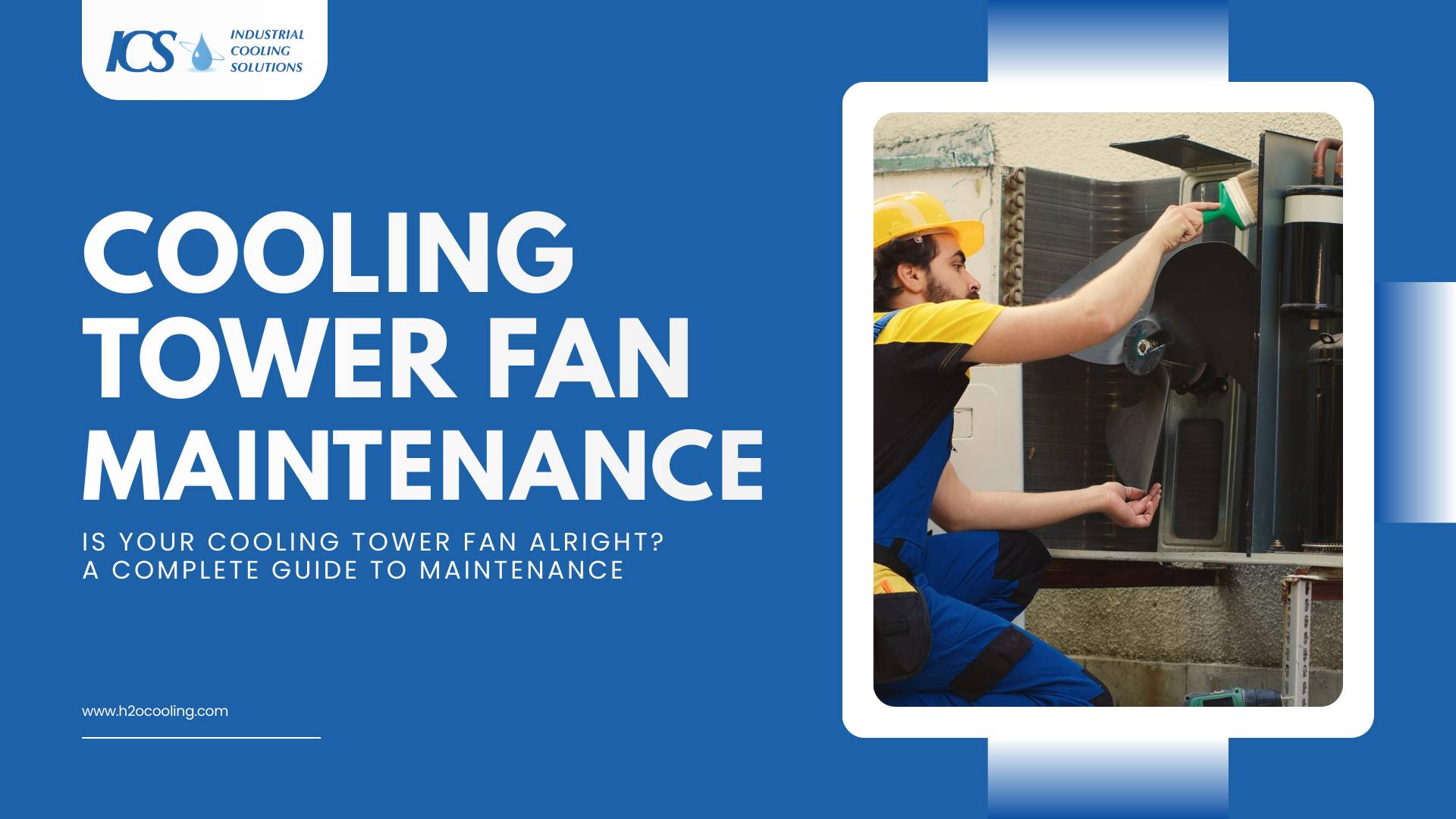
Cooling towers are the lungs of your industrial facility, and the fan serves as the heart that keeps air moving. When this component fails, heat rejection stops, and your entire operation risks a costly shutdown. Yet, many facility managers overlook the specific requirements of cooling tower fan maintenance until they hear a catastrophic grinding noise.
In this guide, we will explore the critical steps required to keep your fans running safely and efficiently. We will also cover how to identify early warning signs of failure and understand the mechanical nuances of blade and hub assemblies.
By following these protocols, you ensure your equipment operates at peak performance while protecting your personnel from dangerous hazards.
Why Cooling Tower Fan Maintenance Is Critical for System Reliability
The fan is the primary driver of heat transfer in an induced draft cooling tower. It pulls air through the fill media to lower the temperature of the process water. If the fan operates inefficiently, the water temperature rises, and your chillers or industrial processes must work harder to compensate.
- Neglecting the fan assembly can lead to more than just high energy bills—it poses serious safety and operational risks.
- The centrifugal forces on a spinning fan are immense, and a cracked blade can break off during operation.
- Blade failure can destroy the fan stack, motor, and gearbox, causing costly damage.
- Such failures also pose a severe safety risk to anyone working near the tower.
Common Warning Signs
The cooling tower environment is harsh, wet, and corrosive. Components degrade over time, but they rarely fail without giving you a warning first. Do you know what to listen to and look for during your daily rounds?
Here are the specific indicators that suggest your equipment requires immediate attention:
- Excessive vibration or abnormal noise
A fan should run smoothly. If you hear clunking, grinding, or see the fan stack shaking, something is wrong. This usually indicates an imbalance, loose mounting hardware, or failing bearings that require immediate correction. - Visible fan blade damage
Erosion from water droplets and debris can pit the leading edge of the fan blades. You might also see cracks developing near the hub. Any visible structural compromise requires the fan to be shut down for a detailed assessment. - Decline in airflow and cooling capacity
If the water returning to the basin remains too hot, the fan may not be moving enough air. This often happens when the pitch angle of the blades shifts or when the fan belt slips significantly. - Increased motor load and energy consumption
A fan that struggles against friction or misalignment draws more amps than necessary. If your monitoring systems show a spike in energy usage, mechanical resistance in the drive train is likely the culprit.
Key Components Covered Under Fan Maintenance
Effective maintenance looks beyond just the spinning blades. The fan is part of a complex mechanical assembly where every part relies on the others. To perform a thorough inspection, you must evaluate the entire drive train.
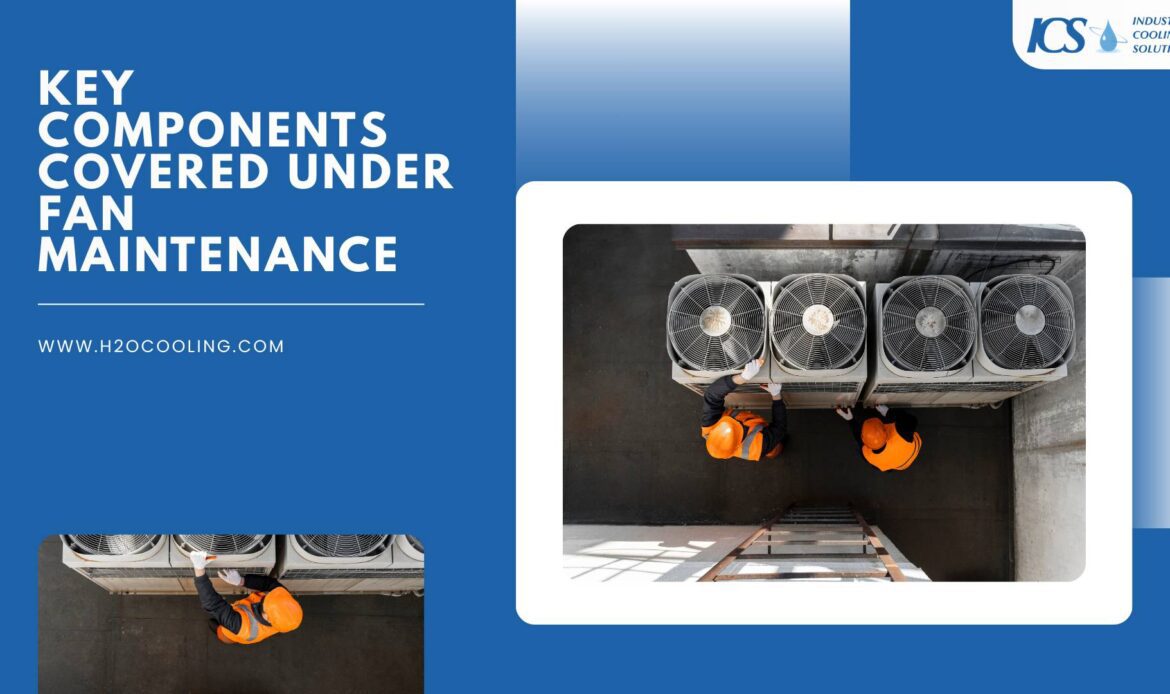
You must examine these specific components to ensure the system remains reliable:
- Cooling tower fan blades
These airfoils must remain clean and structurally sound. Their condition dictates the aerodynamic efficiency of the tower and the balance of the rotating assembly. - Fan hub and rotor assembly
The hub connects the blades to the drive shaft. It endures massive torque and stress. Inspectors must check the hub for corrosion and ensure the blade clamps are torqued to specification. - Drive shaft, couplings, and bearings
These components transfer power from the motor to the fan. They are prone to misalignment and wear. Flexible elements in the couplings often degrade and require periodic replacement. - Motor and gearbox
The prime mover and the speed reducer are the muscles of the system. Oil analysis for the gearbox and electrical testing for the motor are standard requirements for longevity. - Mounting hardware and safety guards
Vibration loosens bolts over time. A missing bolt on a motor mount can lead to misalignment. Safety guards must also be secure to protect maintenance personnel.
Cooling Tower Fan Maintenance Checklist for Industrial Facilities
Facility managers need a structured approach to prevent oversight. A standardized checklist ensures that your maintenance team reviews every critical area during a scheduled shutdown. This consistency helps you track the condition of the equipment over time.
| Inspection Item | Frequency | Action Required |
| Visual Inspection of Fan Blades | Monthly | Check for erosion, cracks, scale buildup, and leading-edge damage. |
| Cleaning and Debris Removal | Quarterly | Power wash blades to remove scale and algae that cause imbalance. |
| Fan Balance and Alignment Check | Semi-Annually | Measure vibration levels and check the alignment of the drive shaft. |
| Mechanical Wear Inspection | Semi-Annually | Inspect the gearbox for leaks and check coupling elements for fatigue. |
| Fastener and Structural Integrity | Annually | Retorque all blade clamps, hub bolts, and motor mounts to factory specs. |
Cooling Tower Fan Blade Inspection and Preventive Maintenance
The blades are the most exposed component of the system. They constantly strike water droplets at high tip speeds, which causes erosion over time. Even minor surface degradation can disrupt the airflow and reduce the efficiency of the tower.
- Inspect for Cracks: Look for cracks, especially near the root of the blade. A crack indicates compromised structural integrity and is a critical finding that requires immediate action.
- Clean the Blades: Regularly clean the blades to remove mineral deposits or biological growth. This buildup can add uneven weight, throwing the fan out of balance.
- Prevent Vibration: An unbalanced fan creates vibration that can travel down the drive shaft and damage the gearbox. Consistent cleaning is key to preventing this.
Fan Balance and Alignment in Fan Maintenance
A balanced fan runs quietly and puts minimal stress on the mechanical support structure. Imbalance usually stems from uneven debris accumulation, water trapped inside hollow blades, or varying blade pitch angles.
When the center of mass drifts from the center of rotation, the resulting wobble destroys bearings.
- Address Misalignment: Misalignment, where the motor shaft and gearbox shaft are not perfectly aligned, is just as damaging as an unbalanced fan.
- Check the Flexible Coupling: Misalignment forces the flexible coupling to absorb the difference, generating heat and causing it to fail prematurely.
- Use Professional Tools: Professional maintenance should include laser alignment tools and dynamic balancers.
- Extend Drive Train Life: These precise instruments help eliminate vibration and extend the life of the drive train.
Inspecting Mechanical Wear During Cooling Tower Fan Maintenance
Mechanical wear is inevitable, but early detection prevents unexpected failure. The drive shaft and couplings serve as the fuse in the system. They often show signs of distress before the more expensive gearbox or motor fails.
Corrosion is a constant threat in the humid environment of a cooling tower. Here’s what to look for:
- Inspect for Rust: Check for rust on bolts and the drive shaft. Heavy rust can seize bolts, making adjustments impossible, and weaken the shaft.
- Examine Composite Drive Shafts: Look closely at the flexible elements for any signs of fraying or delamination.
- Plan Ahead: Identifying these issues early allows you to schedule repairs and order replacement parts during a planned outage, avoiding emergency shutdowns.
Safety Best Practices for Tower Fan Maintenance
Maintenance on large rotating equipment carries inherent risks. The fan deck is often wet and slippery, and the machinery is powerful enough to cause fatal injuries. You must prioritize safety protocols above speed or convenience.

How do you protect your maintenance team during these critical inspections? Adhere to these strict safety guidelines every time work begins:
- Lockout and Tagout (LOTO) Procedures
Isolate all energy sources before anyone enters the fan stack. This includes the fan motor and any basin heaters. Test the start button to verify that the power is off. - Rotational and Fall Hazards
Secure the fan blades so they cannot freewheel due to wind drafts. Use proper fall protection harnesses when working on the fan deck or inside the plenum. - Protecting Maintenance Personnel
Ensure adequate lighting and ventilation inside the tower. If the tower treats biological growth, ensure personnel wear appropriate respiratory protection against Legionella.
When Tower Fan Maintenance Is Not Enough: Repair vs Replacement
There comes a point where maintenance can no longer restore a fan to safe operating conditions. Material fatigue eventually sets in, and trying to repair a structurally compromised fan is dangerous.
Replacement is the only safe option if you observe:
- Deep cracks in the hub
- Extensive delamination on fiberglass blades
- Severe corrosion on the drive shaft
Delaying replacement risks a catastrophic failure that could damage the tower structure. Upgrading to a modern fan design can also offer long-term benefits like improved aerodynamics, which deliver higher airflow with lower noise levels and reduced energy consumption.
Conclusion
Your cooling tower fan is a critical component operating in a harsh environment. Regular inspections are necessary to check for common issues like blade imbalance, tip clearance problems, and gearbox wear. Ignoring these can lead to safety risks, increased energy consumption, and costly downtime.
For maintenance personnel, it's vital to follow safety protocols, such as using adequate lighting and respiratory protection during cooling tower fan maintenance. When routine maintenance is no longer sufficient due to material fatigue, deep cracks, or severe corrosion, a full replacement of the cooling tower fan is the only safe option.
Don't wait for a catastrophic failure. For expert cooling tower repairs, component replacements, quality parts, or a new custom-built cooling tower system, visit the experts at ICS.
Frequently Asked Questions
How often should cooling tower fans be inspected?
Cooling tower fans should be visually inspected monthly and mechanically inspected at least twice a year. High-load or critical systems may require more frequent checks to prevent failures.
What are the signs of a failing cooling tower fan?
Common signs include excessive vibration, unusual noise, visible blade cracks, reduced airflow, and increased motor amperage. Early detection helps avoid costly shutdowns.
What causes excessive vibration in cooling tower fans?
Vibration is usually caused by blade imbalance, debris buildup, misalignment, worn bearings, or loose mounting hardware. Ignoring vibration accelerates mechanical wear.
How does fan imbalance impact the gearbox and motor?
Imbalance creates continuous vibration that stresses bearings, couplings, and gear teeth. Over time, this leads to premature gearbox failure and motor overload.